In my previous post, I investigated a system that appeared to be behaving incorrectly based on the logic we were able to reverse engineer. This can happen quite a lot because ultimately developers are only bound by the rules of the language they’re writing their code in and developers often use tricks that may even bend those rules in order to achieve the behaviour they’re looking for, but that’s not always the case and what looks “wrong” from the outside can easily turn out to become intentional once we can see the bigger picture.
So, previously, we explored a case where something looked like a bug, but this time we’ll be looking at a bug in which we can be certain that the current implementation is incorrect.
The Target
Just like the last post, this post relates to Shenmue and its lighting system, particularly in its ability to simulate the sky.
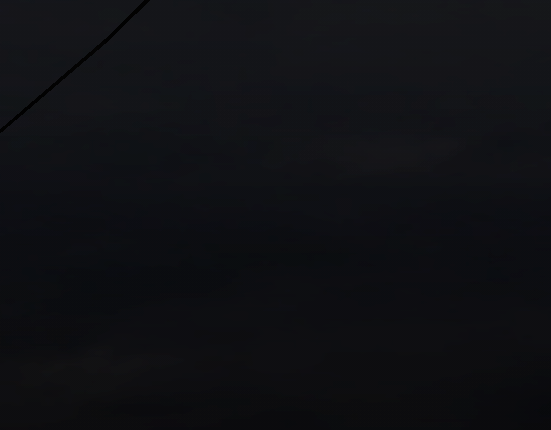
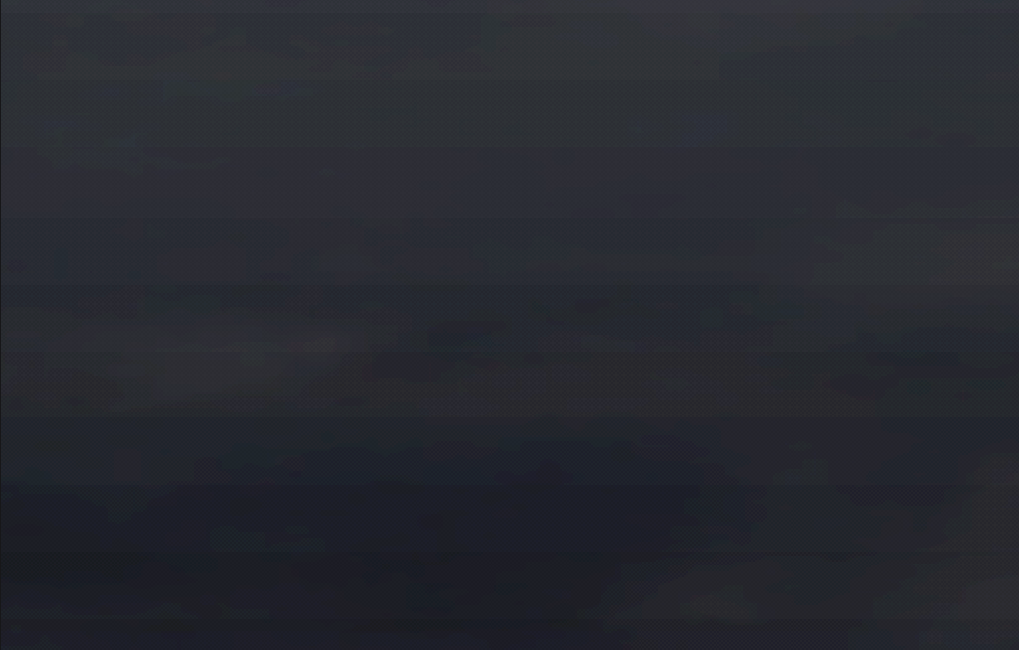
At night, Yokosuka’s sky shows strange, evenly-spaced rectangular bands, visible even at native resolution. The pattern shifts with camera pitch and forms broader blocks near the horizon and tighter ones overhead.
Daytime skies seem to render smoothly, but as night-time draws closer, the effect is unmissable.
Initial Investigation
Shenmue’s simulation system is quite detailed and as such I had a few ideas where to look. I’ll go over some of the core details of the system later in the post, but I began by ruling out the most obvious suspects.
The first one is the texture loading itself:

.. but everything seems okay here, there’s potentially an eyebrow to be raised over potential loss in quality, but nothing that stood out after another look.
A little surprised by that, I decided to confirm that the shader itself wasn’t the culprit, but, as I remembered, the particular shader that these textures are using is a simple RGB swizzle pixel shader, one which didn’t have any real room for precision errors or inaccuracies.
o0.xyzw = v1.zyxw;Moving forward I went straight to the source and looked at how the sky itself is drawn to the screen. The sky in Shenmue has a couple of passes on it and one of those passes applies a post-fade over the sky. As such, I decided to see what happens when we remove just the fade:

But, that also didn’t really explain a lot. The fade was gone and so were the bars, but now the sky is rendering incorrectly altogether.
So, the fade step itself must be responsible.. but why?
Engine Tracing
As noted earlier, the simulation system in both games is fairly comprehensive and the engine is equipped to deal with multiple different kinds of textures. Although Shenmue I and II both feature a comprehensive simulation system in general, only Shenmue I suffers from this bug. That’s because the second game switched to a full 3D skydome, and what we’re seeing here, isn’t a skydome, and it isn’t even a single fullscreen polygon.
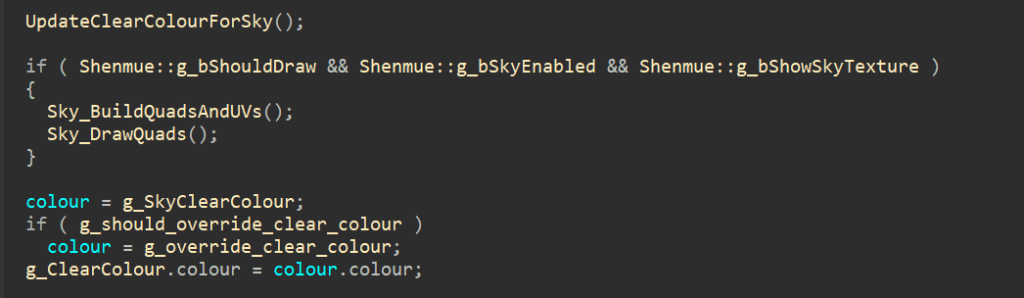
The game first builds out 8 screen-space quads every frame: four near-horizon quads and four tall quads. Each quad is 4 verts, rotated about the center of the screen by the camera yaw, and UVs and colour are pulled in from clouds, the simulated sky intensity and fade, which is used to blend between the various effects, such as the “Magic Weather” system.
All 8 of those quads are rendered through the same system so I located where the fade’s buffer was being created. The buffer is made during initialisation and constructs the primary set of descriptions for multiple ID3D11Texture2D’s that are used during the entire render pipeline, allocates memory for all of them, initialises their properties and then officially requests the creation of them.
With this knowledge, we can quickly determine what format the sky is being built into and ultimately drawn from: the DXGI_FORMAT_R8G8B8A8_UNORM format, which, as its name suggests, is an 8-bit per-channel RGBA format.
The fade shader computes a gradient for the fade/simulation overlay and writes directly into the render target. That target, is an 8-bit UNORM and subtle float intensity values were truncated to 256 steps per channel, as this render target is multisampled, later read back and depending on user settings, upsampled to a different resolution.
Conclusion
This time, it really was a bug.
By switching the format to 16-bit float, we restored per-channel precision to 10+ bits, which is enough to represent smooth fades without artifacting, whilst retaining the original style. Sometimes, fixing a visual bug really is as simple as changing one constant, once you’ve spent several hours proving why that constant matters.